
Use Writecream's AI to generate
Company Bio Generator
Your company bio is one of the first opportunities you have to make a good impression. If it's confusing or boring, potential customers are going to walk straight into the arms of your competitors who are able to showcase themselves in a fun, peppy way. Create a good bio for your comapany Using Writecream's AI powered Custom tool creator. Try it for free today. No credit card required.
Free forever, upgrade as your business grows!
Start using the Company Bio Generator for free below
If you need help, please refer to the video tutorial above or the detailed step-by-step instructions at the end of the page
company bio
Write Your Company Bio in these simple steps!
-
STEP 1
Login to your Writecream account & select Command Mode
From the dashboard, select Command Mode to get started.
-
STEP 2
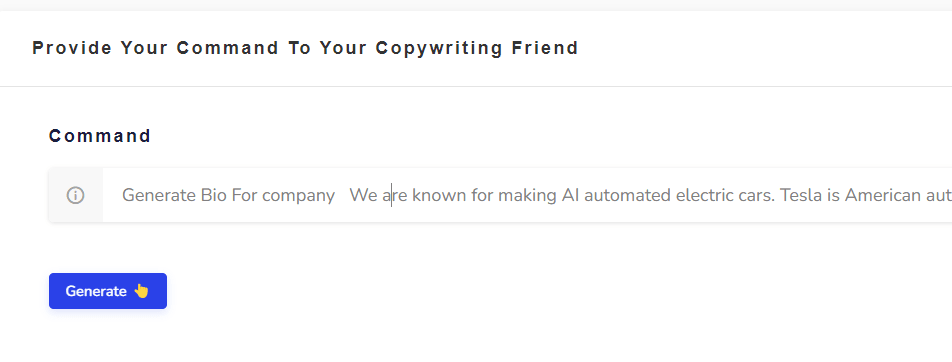
Enter the following command
Generate Bio For company We are known for making AI automated electric cars. Tesla is American automotive and cleanenergy comp any located in in Austin, Texas. we have capitialization of more than more than US$600 billion. ALso hrough its subsidiary Tesla Energy, the company develops and is a major installer of photovoltaic systems. Change the command as required. You simply need to modify the words at the end of the command. Here's another example: Generate Company bio for a company Cybervish is a web development company. Founded in 2020 and growing as in field of webdevlopment. cybervish provides services like webdevelopment, backend mangment, elearning servies, books seller and more on.
-
STEP 3
Click on the Generate button again (if required) 😃
If the generated acronyms are not in line with your expectations, just click on the Generate button again and the AI will generate another set of acronyms. Hit on the Generate button as many times as you want to generate different acronyms 🥳
-
STEP 1
Go to the Create Your Own Tool on the dashboard
Log in to the writecream dashboard and select the custom tool listed over there
-
STEP 2
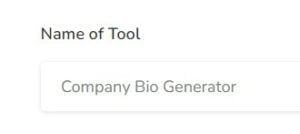
Enter the Name
You need to add the name you want to give to your personalized tool. Eg- Company Bio Generator
-
STEP 3
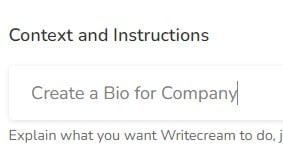
Enter the Description/Context
You have to write about what your tool will be doing, i.e, explain the use case.
-
STEP 4
Enter the Input and Output
Now, you need to enter the input that you will provide to Writecream and the output that you want Writecream to return. i.e., In which language you are providing input and in which language you want output.
-
STEP 5
Adding the Input-Output Examples
Now you will need to provide 3-5 examples of how you want the tool to perform. This will help AI understand what you are expecting from the tool and help decide the accuracy of the content generated. Some examples of the same are described below.
-
STEP 6
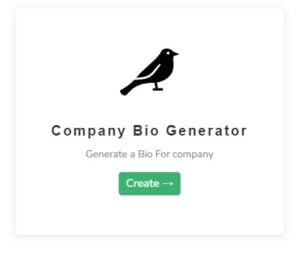
Finally Hit on create tool button
And hurray your Company Bio generator tool is created in matter of seconds and ready to give you awesome Bio's for your company.
-
STEP 7
Open the tool from dashboard and explore.
Company Bio Generator tool is avaiilable now from your dashboard open the tool and start creating Bio for your company.
-
STEP 8
Enter your desired input
Now enter your desired input in input box i.e., Information about company when it is founded who founded it and what it does n all.
-
STEP 9
Now Finally hit on generate output button
Finally click on generate output button and see the Bio for your company is generated in matter of seconds.
-
STEP 10
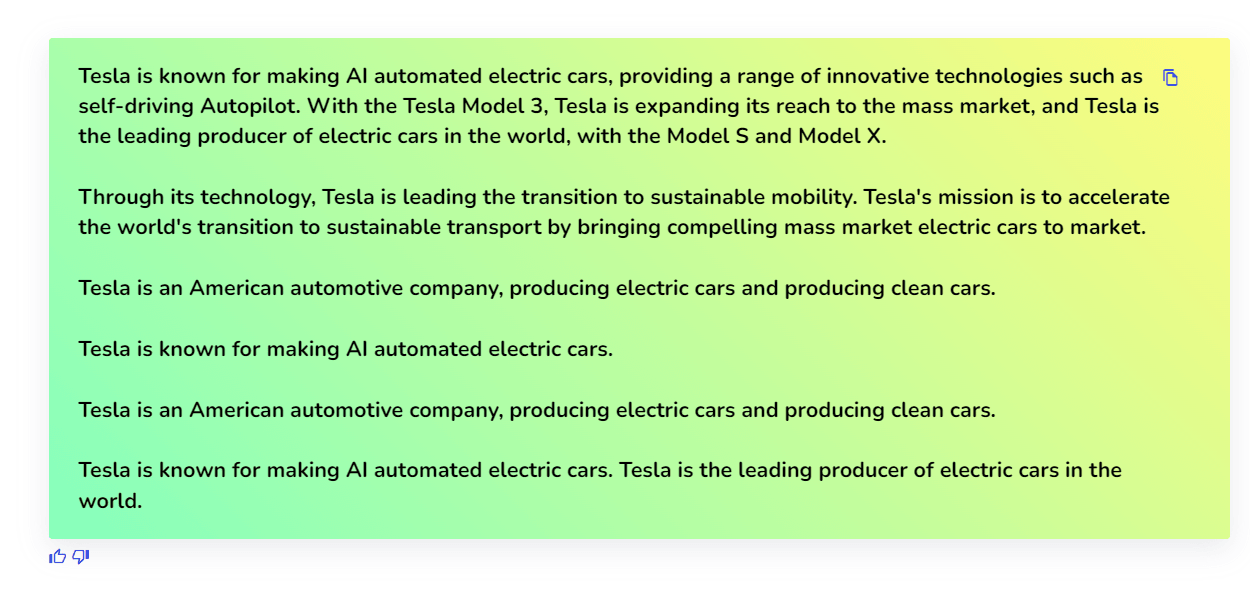
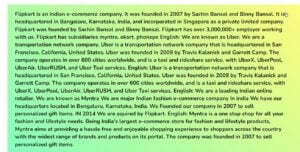
Here's A Bio For your Company😃
Hurray 🥳A good bio is generated in matter of seconds for your company.





- Instructions For Advanced Users
- Custom tool
And ta-da, you will get your AI-generated Personalized tool matter of seconds!
To use the Company Bio Generator you will have to use the Create Your Own Tool option in the Writecream dashboard. This will only take 2 minutes to setup and will give the best results that meet your expectations and requirements.
Use Writecream's Command Mode To Generate Acronyms & Much More
Besides acronyms, you can use the Command Mode to generate any kind of textual content, like stories, product descriptions, ads and more. Just tell the AI what you want, like you would to a human. Here's a quick example: Generate a romantic story on how Jack meets Jennifer at a cruise. Try now for free. No credit card required.


75+ Languages
Language is not a barrier for content creation with Writecream. Choose from over 75 languages for text, image and audio outputs
Keep exploring
Related free tools
More AI tools you might like — all free, no login required.