
Access OpenClaw 24/7 via Telegram Get Started

Use Writecream's AI to generate

LinkedIn Messages

Not a writer? No worries! Writecream makes it possible for everyone to write. Create a personalized message for LinkedIn connection requests and InMails.Try for free today. No credit card required.

Get free access here

Free forever, upgrade as your business grows!

Start generating LinkedIn Personalized Message Generator for free below

If you need help, please refer to the video tutorial above or the detailed step-by-step instructions at the end of the page

Generate LinkedIn Messages in these simple steps!

  1. STEP 1

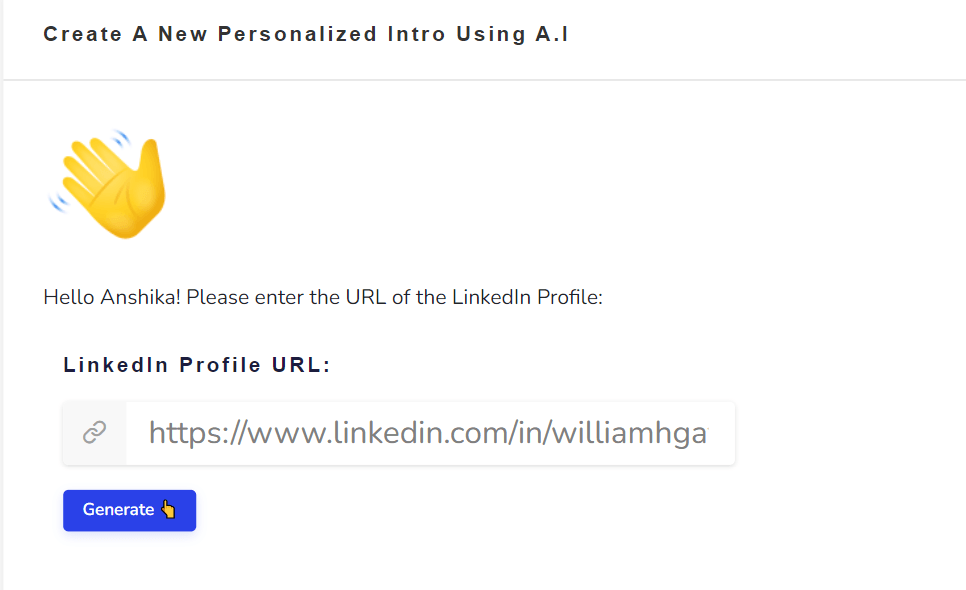
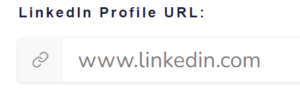
    Enter LinkedIn Profile URL

    Add the profile URL of the person you want a personalized message for.

  2. STEP 2

    Click on 'Generate'

    Lastly, click on the generate button to see the output.

And ta-da, you will get your AI-generated output in a matter of seconds!

Choose one of the generated outputs or keep generating till you get an output you like. It’s that easy!

We will now show you a short example that we generated using Writecream's LinkedIn personalization tool below

Bill Gates- Personalized message generated by Writecream AI

Output 1-Hey Bill, I saw you mentioned that you’re a co-founder of Microsoft. I think that you have excellent business sense and leadership skills.

Output 2-Hey Bill, I saw you mentioned that you’re a co-chair of the Bill & Melinda Gates Foundation. I think you’re an excellent role model for young people who are interested in philanthropy.

Output 3- Hey Bill, I saw you mentioned that you’re a co-founder of Microsoft and you’re a voracious reader. I think you’re someone who’s always on the go.

Cold Emails, LinkedIn InMails & Backlinks

Generate personalized introductions for cold outreach campaigns, including cold emails, LinkedIn InMails & connection requests, and backlinks

Writer’s Block

Never stare at a blank screen with the help of our copywriting tools based on Before-After-Bridge and Pain-Agitate-Solution

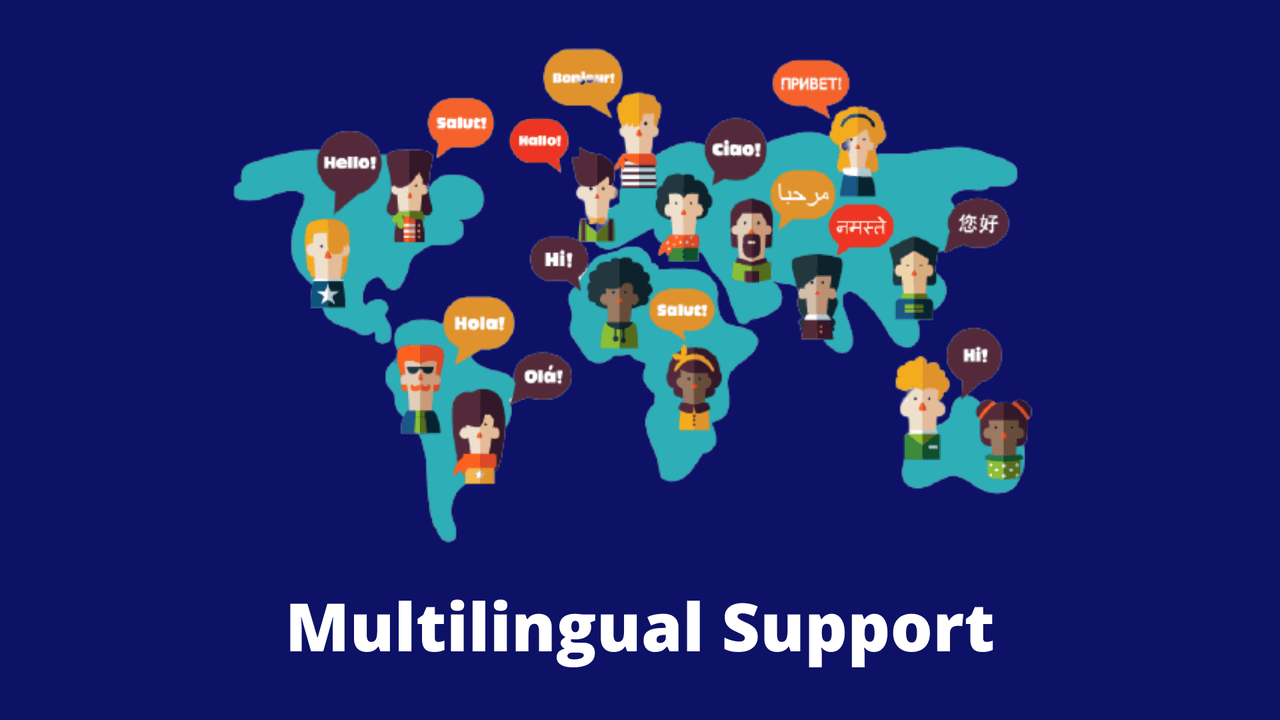
75+ Languages

Language is not a barrier for content creation with Writecream. Choose from over 75 languages for text, image and audio outputs

1. Cold Emails

Hyper-Personalized Icebreakers

Pop in the website of your prospect. Our A.I will then scan it and generate a persuasive icebreaker that will compel them to reply and increase sales

Enter the LinkedIn profile URL of your prospect. Our A.I will analyze their profile and complement them with a personalized message

Enter the link of an article and our A.I will understand its contents, the author’s point of view and then write a unique message that will catch their attention

Enter Prospect’s website/LinkedIn Profile URLs

Start by entering the URL to the website or the LinkedIn profile of your prospect.

Generate Icebreakers

Once you enter the URLs, our AI will suggest some icebreakers.

Upload LinkedIn list

In case you want to generate the personalized messages in bulk, you need to make a spreadsheet containing the name and profile URL of all the recipients and upload it under the ‘Upload LinkedIn List’ option. Please make sure that the file being uploaded is in the CSV format.

2. LinkedIn Connection Requests & InMails

Enter the LinkedIn profile URL of your prospect. Our A.I will analyze their profile and complement them with a personalized message

3. Backlink Outreach

Enter the link of an article and our A.I will understand its contents, the author’s point of view and then write a unique message that will catch their attention

What can Writecream personalize?

Hyper-Personalized Icebreakers

FAQs

How can I contact support?

You can click on the chat button to have a word with our support team. If you prefer email, drop us a line at support@writecream.com

Are there any video tutorials I can refer to?

Yes, we have a bunch of them on our YouTube channel! We have videos for almost every feature and issue you may face.

Can I use the generated content for commercial purposes?

Yes, you have the rights for the generated content. You are free to use it however you want.

Can you share an article written using Writecream?

Of course! Here is a 1,300+ word article written using Writecream: https://bit.ly/writecream-ai-blog

How long does it take to generate a 1,000-word article?

Using Writecream, you can generate a 1000-word article in less than 30 minutes. Here is a video tutorial in which we actually do that: https://www.youtube.com/watch?v=SpcHCKISr6I You can find a sample blog article generated using Writecream here.

Does Writecream support languages other than English?

Yes, we have multi-lingual support. Writecream supports over 75 languages. The complete list is given below. Multi-lingual support is available across all our tools, including long-form editor (A.I Article Writer), cold email icebreakers, LinkedIn icebreakers, image icebreakers, audio icebreakers, and voice-over. List of supported languages: Afrikaans, Albanian, Amharic, Arabic, Armenian, Azerbaijani, Bengali, Bosnian, Bulgarian, Chinese (Simplified), Catalan, Chinese (Traditional), Croatian, Czech, Danish, Dari, Dutch, English, Estonian, Finnish, French, French Canadian, Georgian, German, Greek, Gujarati, Haitian Creole, Hausa, Hebrew, Hindi, Hungarian, Icelandic, Indonesian, Italian, Japanese, Kannada, Kazakh, Korean, Latvian, Lithuanian, Macedonian, Malay, Malayalam, Maltese, Mongolian, Norwegian, Farsi (Persian), Pashto, Polish, Portuguese, Romanian, Russian, Serbian, Sinhala, Slovak, Slovenian, Somali, Spanish, Spanish Mexican, Swahili, Swedish, Filipino Tagalog, Tamil, Telugu, Thai, Turkish, Ukrainian, Urdu, Uzbek, Vietnamese, Welsh

Are the generated outputs free of plagiarism?

Yes, the outputs are free of plagiarism. Our A.I generates a unique piece of content for every output.

Is there a money-back guarantee?

Yes! You can avail a no-questions-asked refund within 14 days after subscribing to one of our plans. Please use the chat option in the bottom right corner to raise a refund request or write to us at support@writecream.com. For more details, please refer to our refund policy here.

Do I need a credit card to get started?

No, a credit card isn’t required.

Can I upload a CSV file to generate the icebreakers?

Yes, you can upload a CSV file and the A.I will generate personalized icebreakers for all the rows. Based on the number of rows, the processing can take some time.

Do I need to make any changes to the personalized icebreakers?

Most of the personalized icebreakers are good to go. But we recommend taking out a few minutes and taking a quick glance through the generated icebreakers.

Wait! Before you go...

Sign up to get 10,000 words per month for FREE!

Please enter your name and email below: