A prompt is a short text that gives an author a starting point for a story. From a one-line description to a short passage that sets a scene or describes characters, a prompt is meant to inspire a writer with the basic theme or topic for a story. So Generate it easily using Writecream’s AI powered tool. Try now for free. No credit card is required.
Start using the Short Story Prompts Generator for free below
If you need help, please refer to the video tutorial above or the detailed step-by-step instructions at the end of the page
short story prompts
Generate Short Story Prompts in these simple steps!
STEP 1
Login to your Writecream account & select Command Mode
From the dashboard, select Command Mode to get started.
STEP 2
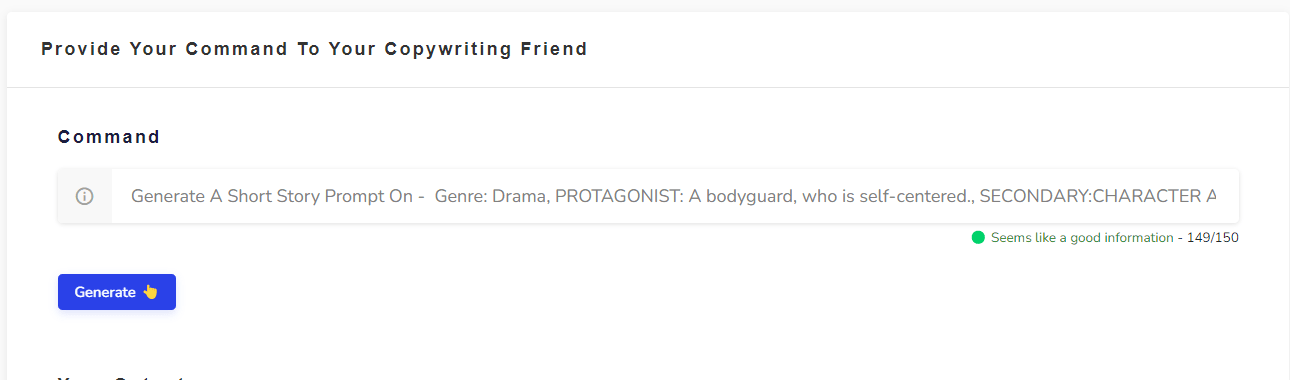
Enter the following command
Generate A Short Story Prompt On – Genre: Drama, PROTAGONIST: A bodyguard, who is self-centered., SECONDARY:CHARACTER A tutor, who is conscientious. Change the command as required. You simply need to modify the words at the end of the command. Here’s another example: Genre: Sci-fi., PROTAGONIST: A geographer, who has an eye for opportunity., SECONDARY CHARACTER: A swindler, who always has a quip. PLOT
STEP 3
Click on the Generate button again (if required) 😃
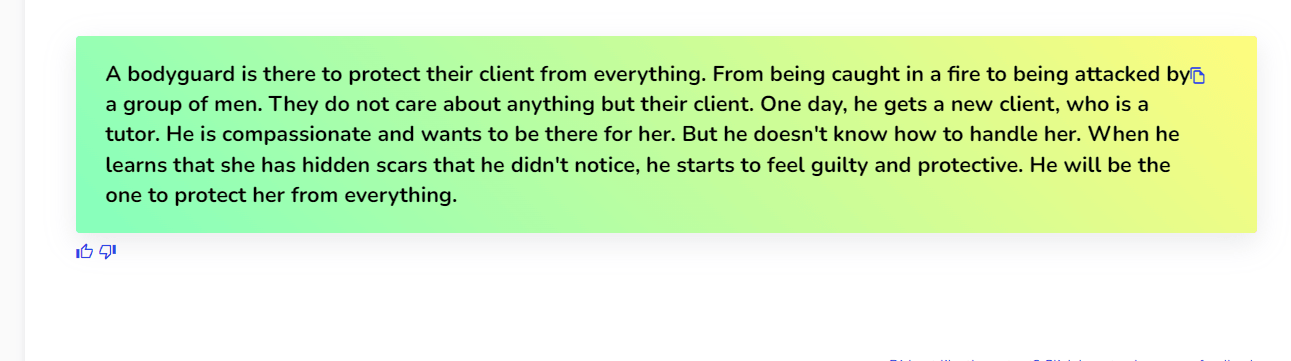
If the generated story prompts are not in line with your expectations, just click on the Generate button again and the AI will generate another set of story prompts. Hit on the Generate button as many times as you want to generate different story prompts 🥳
STEP 1
Go to the Create Your Own Tool on the dashboard
Log in to the writecream dashboard and select the custom tool listed over there
STEP 2
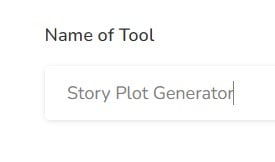
Enter the Name
You need to add the name you want to give to your personalized tool. Eg- Short Story Prompts Generator
STEP 3
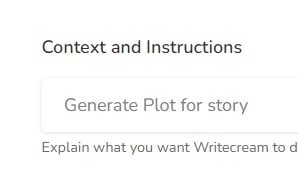
Enter the Description/Context
You have to write about what your tool will be doing, i.e, explain the use case.
STEP 4
Enter the Input and Output
Now, you need to enter the input that you will provide to Writecream and the output that you want Writecream to return.
STEP 5
Adding the Input-Output Examples
Now you will need to provide 3-5 examples of how you want the tool to perform. This will help AI understand what you are expecting from the tool and help decide the accuracy of the content generated. Some examples of the same are described below.
STEP 6
Choose Your Custom Tool From The Dashboard
After giving inputs and outputs just hit on create tool button.Once you create a custom tool, it gets added to the end of the dashboard in Writecream. To use it open your dashboard and scroll to the end. Click on your custom tool to use it.
STEP 7
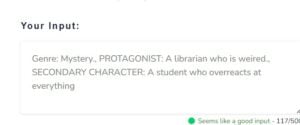
Just provide an input
Just provide an input i.e., Genre, PROTAGONIST, secondary character or anything else you want.
STEP 8
Hit on generate output button to get prompts generated😃
Hit on generate output button and there you go🥳
STEP 9
Here's Prompts generated for your short story😃
Hit on generate output button as much time as you want to generate different different prompts for your stories🥳
Instructions For Advanced Users
Short Story Prompts Generator
And ta-da, you will get your AI-generated Personalized tool matter of seconds!
You can generate any tool that follows your own use case using the custom tool easily using Writecream. Create Short Story Prompts Generator and use it as many times you want. Try now for free!
Use Writecream’s Command Mode To Generate Short Story Prompts & Much More
Besides Story Prompts, you can use the Command Mode to generate any kind of textual content, like stories, product descriptions, ads and more. Just tell the AI what you want, like you would to a human. Here’s a quick example: Generate a romantic story on how Jack meets Jennifer at a cruise. Try now for free. No credit card required.