
Use Writecream's AI to generate
Book Idea Generator
Are You A Author, A writer or someone who is thinking about to write a book ? and counfused about your Firs/Next idea for the book ? So simply use writecream'S AI powered tool to generate ideas for books. Try now For free.No credit card is required.
Free forever, upgrade as your business grows!
Start using the Book Idea Generator for free below
If you need help, please refer to the video tutorial above or the detailed step-by-step instructions at the end of the page
book idea
Generate Book Idea in these simple steps!
-
STEP 1
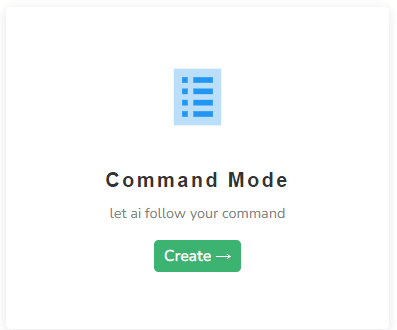
Login to your Writecream account & select Command Mode
From the dashboard, select Command Mode to get started.
-
STEP 2
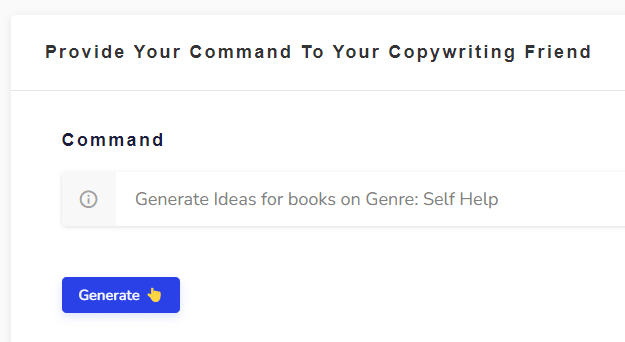
Enter the following command
Generate Ideas for books on Genre: Self Help Change the command as required. You simply need to modify the words at the end of the command. Here's another example: Generate Ideas for books on Genre: Mystery/ Thriller
-
STEP 3
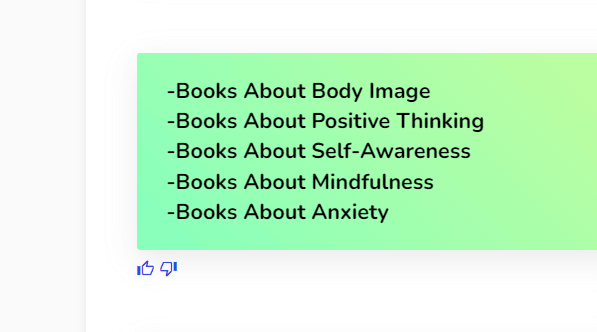
Click on the Generate button again (if required) 😃
If the generated Book Idea are not in line with your expectations, just click on the Generate button again and the AI will generate another set of Book Ideas. Hit on the Generate button as many times as you want to generate different Ideas for your Books 🥳
-
STEP 1
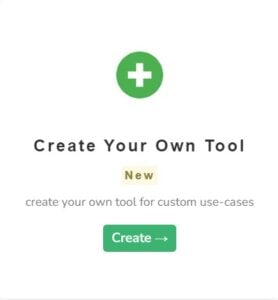
Go to the Create Your Own Tool on the dashboard
Log in to the writecream dashboard and select the custom tool listed over there
-
STEP 2
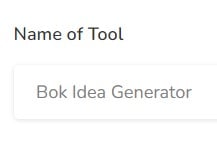
Enter the Name
You need to add the name you want to give to your personalized tool. Eg- Book Idea Generator
-
STEP 3
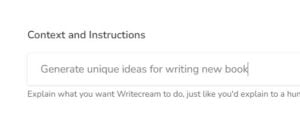
Enter the Description/Context
You have to write about what your tool will be doing, i.e, explain the use case.
-
STEP 4
Enter the Input and Output
Now, you need to enter the input that you will provide to Writecream and the output that you want Writecream to return.
-
STEP 5
Adding the Input-Output Examples
Now you will need to provide 3-5 examples of how you want the tool to perform. This will help AI understand what you are expecting from the tool and help decide the accuracy of the content generated. Some examples of the same are described below.
-
STEP 6
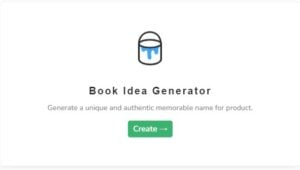
Choose Your Custom Tool From The Dashboard
After giving inputs and outputs just hit on create tool button.Once you create a custom tool, it gets added to the end of the dashboard in Writecream. To use it open your dashboard and scroll to the end. Click on your custom tool to use it.
-
STEP 7
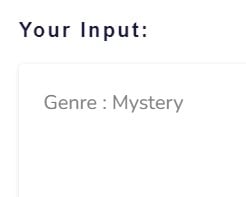
Just provide an input
Just provide an input i.e., Genre or topic in which you want ideas for book.
-
STEP 8
Hit on generate output button😃
Hit on generate output button and there you go🥳
-
STEP 9
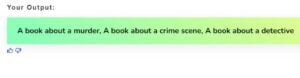
Here's Ideas for book are generated😃
Hit on generate output button as much time as you want to generate different different ideas for book and pick the one you like the most🥳


- Instructions For Advanced Users
- Custom tool
And ta-da, you will get your AI-generated Personalized tool matter of seconds!
To use the Boy Name generator you will have to use the Create Your Own Tool option in the Writecream dashboard. This will only take 2 minutes to setup and will give the best results that meet your expectations and requirements.
Use Writecream's Command Mode To Generate Book Ideas & Much More
Besides Book Ideas, you can use the Command Mode to generate any kind of textual content, like stories, product descriptions, ads and more. Just tell the AI what you want, like you would to a human. Here's a quick example: Generate a romantic story on how Jack meets Jennifer at a cruise. Try now for free. No credit card required.
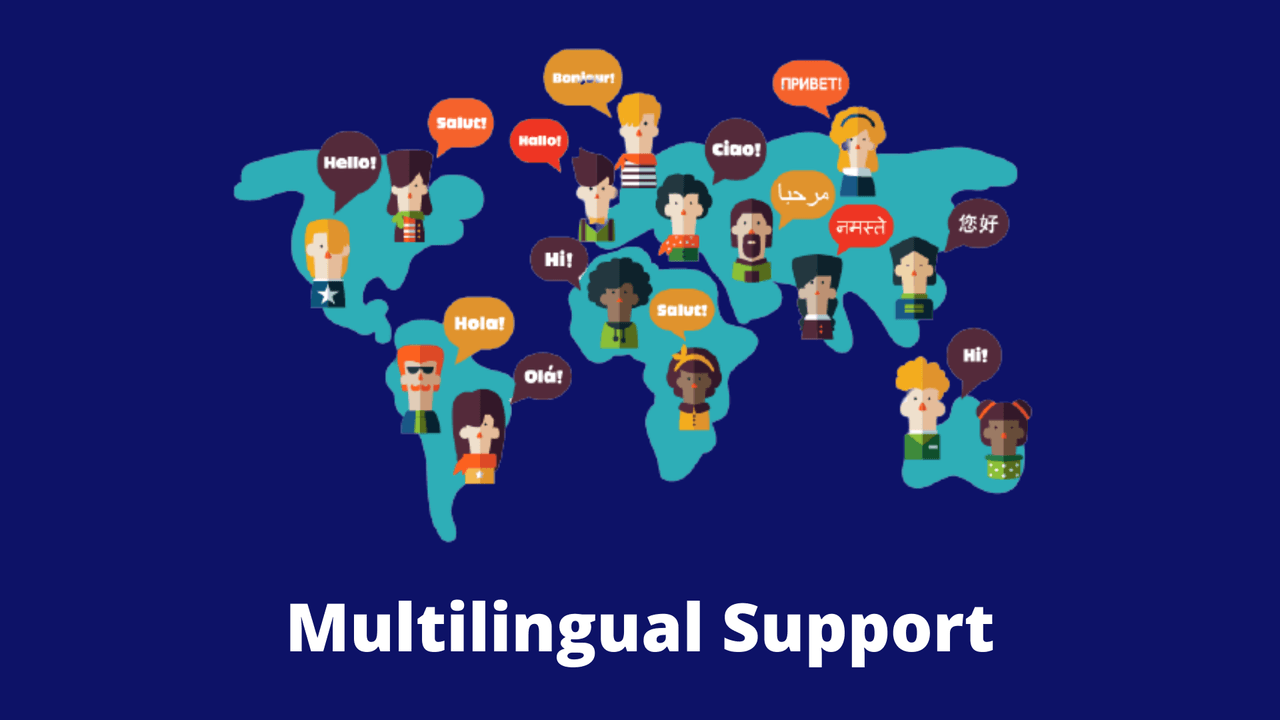

75+ Languages
Language is not a barrier for content creation with Writecream. Choose from over 75 languages for text, image and audio outputs
FAQs
How can I contact support?
You can click on the chat button to have a word with our support team. If you prefer email, drop us a line at support@writecream.com.
Are there any video tutorials or video links I can refer to create viral videos for my video channel?
Yes, we have a bunch of them on our YouTube channel! We have videos for almost every feature and issue, and questions people may face.
Can I use the generated content for commercial purposes and cold outreach campaigns?
Yes, you as a video marketer have the rights to the generated content. You are free to use it however you want.
Can content marketers share an article or blog post written using Writecream?
Of course! Here is a 1,300+ word article written using Writecream: https://bit.ly/writecream-ai-blog
What does a good Male Baby Name Generator look like?
There is no one template. You need to tailor your summary to each individual profile with relevant keywords. We have various examples to give you the perfect Male Baby Name to give your baby.
Does Writecream support languages other than English?
Yes, we have multi-lingual support. Writecream supports over 75 languages. The complete list is given below. Multi-lingual support is available across all our tools, including long-form editor (A.I Article Writer), cold email icebreakers, social media icebreakers, image icebreakers, audio icebreakers, voice-over, and more. List of supported languages: Afrikaans, Albanian, Amharic, Arabic, Armenian, Azerbaijani, Bengali, Bosnian, Bulgarian, Chinese (Simplified), Catalan, Chinese (Traditional), Croatian, Czech, Danish, Dari, Dutch, English, Estonian, Finnish, French, French Canadian, Georgian, German, Greek, Gujarati, Haitian Creole, Hausa, Hebrew, Hindi, Hungarian, Icelandic, Indonesian, Italian, Japanese, Kannada, Kazakh, Korean, Latvian, Lithuanian, Macedonian, Malay, Malayalam, Maltese, Mongolian, Norwegian, Farsi (Persian), Pashto, Polish, Portuguese, Romanian, Russian, Serbian, Sinhala, Slovak, Slovenian, Somali, Spanish, Spanish Mexican, Swahili, Swedish, Filipino Tagalog, Tamil, Telugu, Thai, Turkish, Ukrainian, Urdu, Uzbek, Vietnamese, Welsh
Are the generated outputs free of plagiarism?
Yes, the outputs are free of plagiarism. Our A.I.-powered Meta Description Generator generates a unique piece of SEO content with focus keyword and SEO keywords for every input to impact search engine optimization.
Is there a money-back guarantee?
Yes! You can avail a no-questions-asked refund within 30 days after subscribing to one of our plans. Please use the chat option in the bottom right corner to raise a refund request or write to us at care@writecream.com.
Do I need a credit card to get started?
No, a credit card isn't required.
Do I need to make any changes to the personalized icebreakers?
Most of the personalized icebreakers are good to go. But we recommend taking out a few minutes and taking a quick glance through the generated icebreakers.
Keep exploring
Related free tools
More AI tools you might like — all free, no login required.