

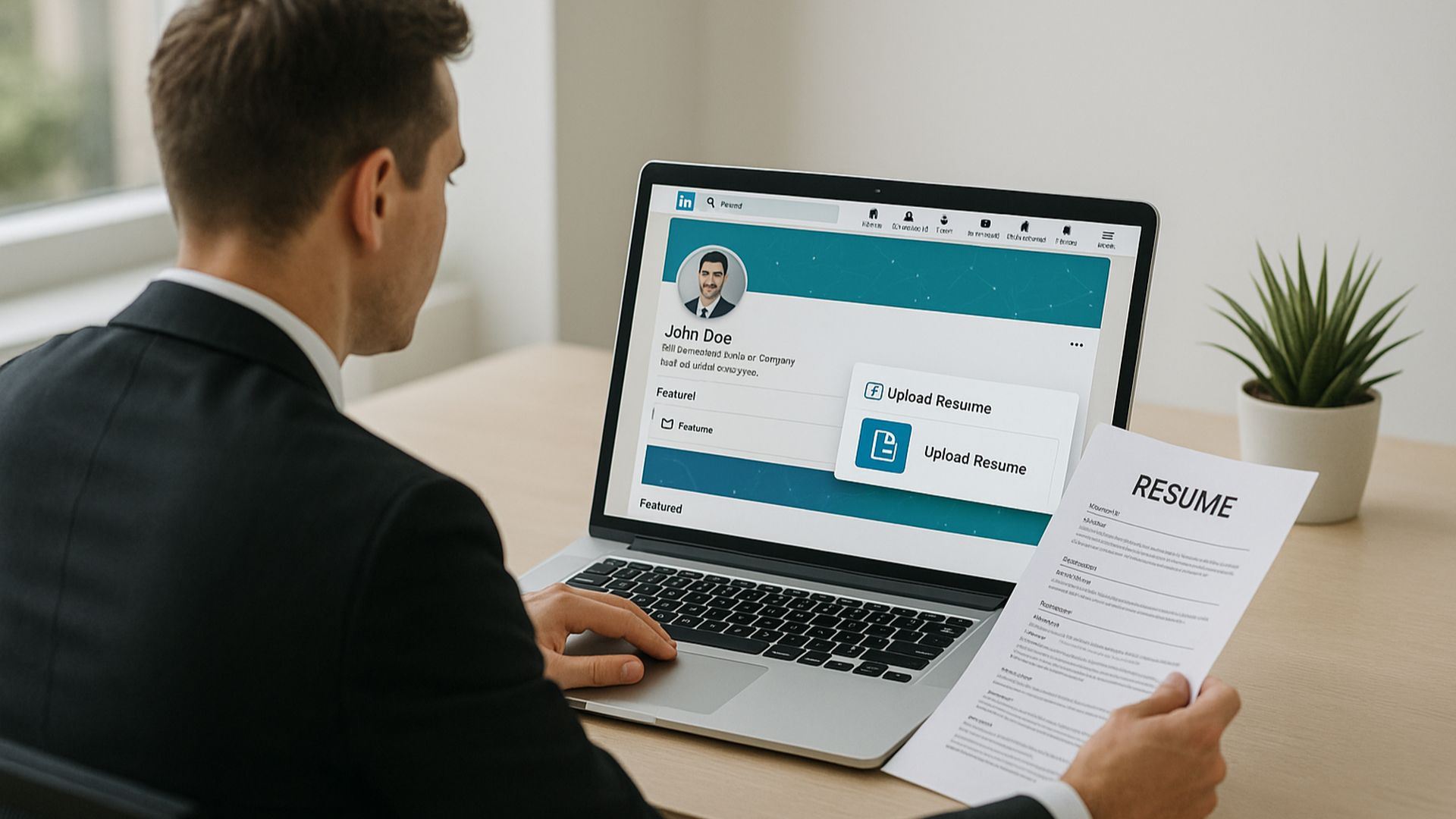
Your career is constantly evolving. Whether you’ve recently received a promotion, transitioned into a new role, or changed industries entirely, keeping your professional information current is essential. One of the most important places to make these updates is LinkedIn, the world’s leading professional networking platform.
Many professionals focus on updating their resumes but forget to reflect those changes on LinkedIn. As a result, recruiters and hiring managers may see outdated information that doesn’t accurately represent their current skills and achievements. Understanding how to update resume on LinkedIn can help you maintain a strong professional presence and attract new opportunities.
Today, modern tools such as an AI resume builder make the process even easier by helping users create polished, ATS-friendly resumes that can be seamlessly integrated with their LinkedIn profiles.
Why Updating Your LinkedIn Resume Matters
LinkedIn serves as more than just an online resume. It’s often the first place recruiters, employers, and professional contacts go to learn about your background.
When you receive a promotion or make a career change, updating your LinkedIn profile and resume offers several benefits:
- Showcases your latest accomplishments
- Highlights new skills and responsibilities
- Improves visibility in recruiter searches
- Strengthens your professional brand
- Demonstrates career growth and progression
- Increases opportunities for networking and job offers
Failing to update your profile can create inconsistencies between your resume and LinkedIn presence, which may raise questions for recruiters.
Signs It’s Time to Update Your Resume on LinkedIn
Many professionals wait until they’re actively searching for a new job before making updates. However, LinkedIn should be maintained regularly.
Consider updating your profile if you’ve:
- Received a promotion
- Changed departments or teams
- Switched careers or industries
- Earned a certification
- Completed a major project
- Developed new skills
- Taken on leadership responsibilities
- Started freelance or consulting work
The sooner you update your information, the more accurately your profile reflects your current expertise.
Step 1: Review Your Current Resume
Before updating LinkedIn, review your existing resume.
Look for areas that need improvement, including:
- Outdated job titles
- Missing achievements
- Old contact information
- Incomplete skills sections
- Missing certifications or training
This is where an AI resume builder can be especially helpful.
Modern AI-powered resume tools can analyze your resume and recommend updates based on industry trends, job descriptions, and ATS requirements.
Using an AI resume builder allows you to create a more polished and professional document before transferring the information to LinkedIn.
Step 2: Add Your New Job Title or Position
One of the first steps in learning how to update resume on LinkedIn is updating your current position.
If you’ve received a promotion:
- Edit your current role
- Add your new title
- Include the effective date
- Update your responsibilities
- Highlight leadership achievements
Avoid simply changing the title without updating the job description. Recruiters want to see how your responsibilities have evolved.
For example, if you moved from “Marketing Specialist” to “Marketing Manager,” your profile should reflect increased leadership, strategy, and decision-making responsibilities.
Step 3: Update Your Experience Section
The Experience section is often one of the most viewed parts of a LinkedIn profile.
After a promotion or career change, revise this section to include:
- New responsibilities
- Team management experience
- Revenue contributions
- Project leadership
- Process improvements
- Measurable achievements
Focus on accomplishments rather than daily tasks.
Instead of writing:
“Managed marketing campaigns.”
Write:
“Led multi-channel marketing campaigns that increased qualified leads by 35% within six months.”
An AI resume builder can help generate achievement-focused bullet points that make your profile more compelling.
Step 4: Refresh Your Skills Section
Skills play a major role in LinkedIn’s search algorithm.
When updating your profile after a promotion or career change, remove outdated skills and add new ones that align with your current role.
Examples include:
- Leadership
- Project Management
- Strategic Planning
- Data Analysis
- Team Development
- Client Relations
- Product Management
The skills you choose should support your new position and future career goals.
Many AI resume builder platforms provide keyword suggestions that can help optimize both your resume and LinkedIn profile.
Step 5: Update Your Professional Summary
Your LinkedIn About section serves as your professional introduction.
After a promotion or career transition, revisit this section to ensure it accurately reflects your current expertise.
Your summary should include:
- Years of experience
- Key strengths
- Industry expertise
- Career achievements
- Professional goals
For example:
“I am a results-driven project manager with over eight years of experience leading cross-functional teams and delivering large-scale technology projects. Passionate about innovation and operational efficiency, I help organizations achieve strategic business objectives through effective project execution.”
An AI resume builder can assist in creating concise, keyword-rich summaries that resonate with recruiters.
Step 6: Upload Your Updated Resume
A critical step in understanding how to update resume on LinkedIn is ensuring your latest resume is available on the platform.
You can upload your resume in several ways:
Through the Featured Section
- Open your LinkedIn profile.
- Click “Add Profile Section.”
- Select “Featured.”
- Upload your updated resume.
- Add a title and brief description.
Through Easy Apply
When applying for jobs through LinkedIn, upload your latest resume directly during the application process.
Make sure the uploaded file matches the information displayed on your profile.
Step 7: Highlight Career Changes Strategically
Career changes require special attention because recruiters may not immediately understand how your previous experience relates to your new role.
Focus on transferable skills such as:
- Communication
- Leadership
- Problem-solving
- Project management
- Customer service
- Strategic thinking
For example, a teacher transitioning into corporate training can emphasize presentation skills, curriculum development, and employee education.
An AI resume builder can help identify transferable skills and present them effectively.
Step 8: Add Certifications and Training
Promotions and career changes often involve additional education or professional development.
Be sure to update:
- Certifications
- Online courses
- Professional training
- Industry credentials
These additions demonstrate a commitment to continuous learning and help strengthen your credibility.
Common Mistakes to Avoid
When updating LinkedIn after a promotion or career change, avoid these common errors:
Keeping Old Information
Outdated job descriptions can confuse recruiters and weaken your profile.
Ignoring Metrics
Numbers and measurable results make achievements more credible.
Inconsistent Information
Your LinkedIn profile and resume should tell the same professional story.
Neglecting Keywords
Recruiters often search using specific keywords. Use industry-relevant terms throughout your profile.
Failing to Update Skills
Your skills should reflect your current role rather than your previous position.
How an AI Resume Builder Simplifies the Process
Updating a resume and LinkedIn profile manually can be time-consuming. An AI resume builder streamlines the process by helping users:
- Create ATS-friendly resumes
- Generate achievement-focused content
- Improve professional summaries
- Identify relevant keywords
- Optimize formatting
- Customize resumes for different opportunities
These tools save time while helping professionals present themselves more effectively.
Conclusion
Knowing how to update a resume on LinkedIn after a promotion or career change is essential for maintaining a strong professional presence. Your LinkedIn profile should accurately reflect your current responsibilities, achievements, and career direction.
By regularly updating your experience, skills, summary, and certifications, you can improve visibility among recruiters and position yourself for future opportunities. Using an AI resume builder further simplifies the process by helping create polished, keyword-optimized content that aligns with modern hiring practices.
Whether you’ve advanced within your company or embarked on an entirely new career path, keeping your resume and LinkedIn profile current ensures you’re always ready for the next professional opportunity.
Join Writecream for FREE!
In just a few clicks and under 30 seconds, generate cold emails, blog articles, LinkedIn messages, YouTube videos, and more.
It's free, forever!
Leave A Comment
Join Writecream for FREE!
In a few clicks and under 30 seconds, generate cold emails, blog articles, LinkedIn messages, YouTube videos, and more — no credit card required.
Start for FREE