Top Employee Productivity Tools for Managing Hybrid Marketing Teams
Managing a hybrid marketing team isn’t glamorous. It’s exhausting because you’re constantly worried about three things: is everyone on track, will the campaign launch on schedule, and why did two individuals work on the same project without realizing it.
The office crew has each other. The remote folks send a message and wait. By the time everyone syncs up, half the day is gone, and the deadline has not moved.
More meetings won’t help here. What you need is the right set of tools that keeps your team connected, productive, accountable, and moving regardless of location.
Many marketing teams now use AI-powered content generation platforms like Writecream to handle the copy volume modern campaigns demand. These are the tools genuinely worth your time right now.
Best Employee Productivity Tools for Hybrid Marketing Teams: Quick Summary
| Tool | Best For | Team Size | Ease of Setup | Remote-Friendly | Monitoring Depth |
| CurrentWare | Hybrid team oversight | Mid to large | Moderate | Yes | High |
| Monitask | Freelancers and small groups | Small | Easy | Yes | Light |
| Insightful | Workforce analytics | Mid to large | Moderate | Yes | High |
| Kickidler | On-site deployments | Any | Complex | Limited | Very High |
| DeskTime | Time and project tracking | Small to mid | Easy | Yes | Moderate |
| Asana | Campaign planning | Any | Easy | Yes | Low |
| Slack | Team communicatio n | Any | Easy | Yes | None |
| ActivTrak | Behavior analytics | Mid to large | Moderate | Yes | High |
1. CurrentWare: Best Overall for Hybrid Team Oversight
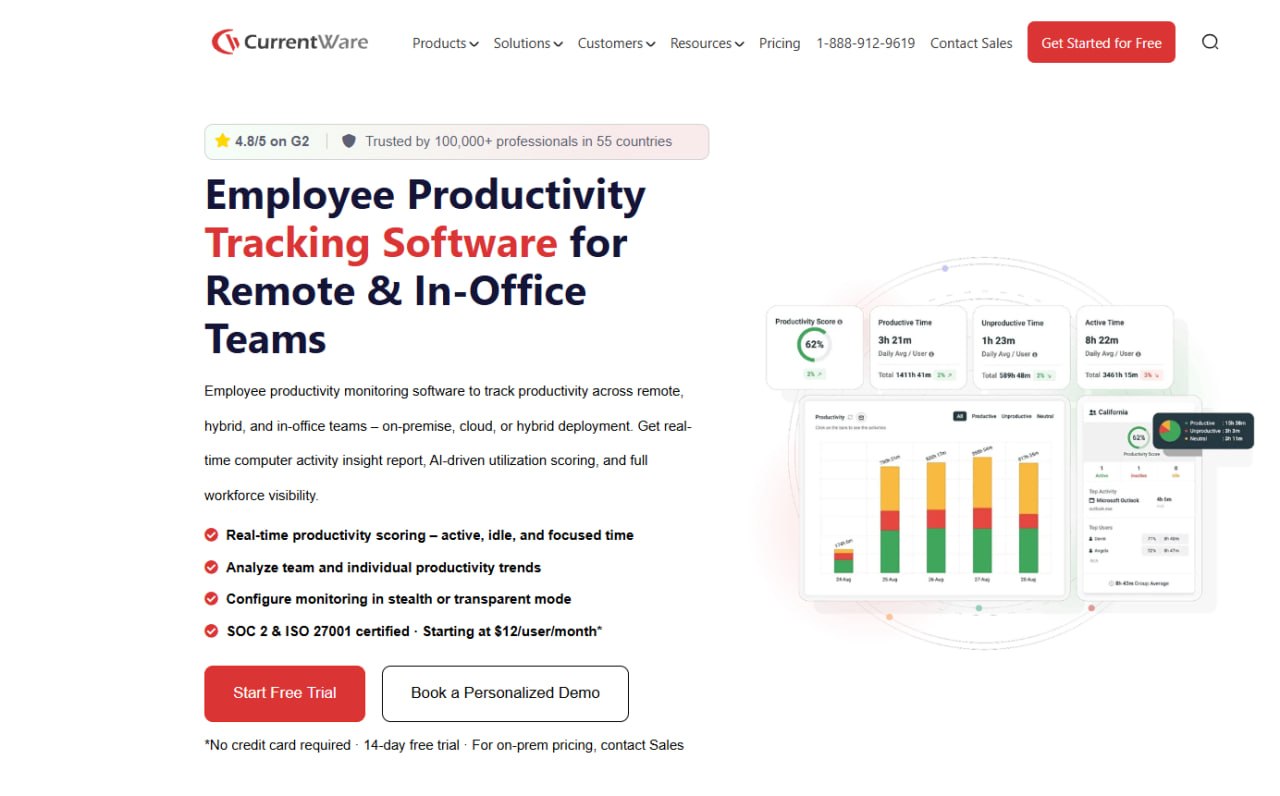
You know your in-office people are working because you can see them. But in the case of your remote folks, you are mostly trusting calendar blocks and status updates.
CurrentWare is one of the best employee productivity monitoring tools that gives you something more concrete. It sits quietly on employee devices and tracks how work time is being spent. It monitors which websites and apps do employees use and for how long. But it is not to catch people doing something wrong, but because good management decisions require real information, not assumptions.
- BrowseReporter logs every website visited, along with the time spent. You start seeing patterns quickly, including ones that explain why certain deliverables are always running late.
- You can turn off distracting apps during work hours with App Blocker. Helpful when you need the staff to focus on a campaign deadline.
- DataPatrol watches for unusual file transfers or USB activity. Good protection when handling client data that cannot afford to walk out the door.
- Remote Policy Management lets you treat remote and in-office staff differently. Most tools apply the same settings to everyone. This one does not.
- Detailed Reports give you something concrete to bring into performance conversations rather than relying on gut feeling.
Pricing: The suite starts at $6 USD per user/month, and a free 14-day trial is available.
2. Monitask: Best for Small Teams and Freelancer Management
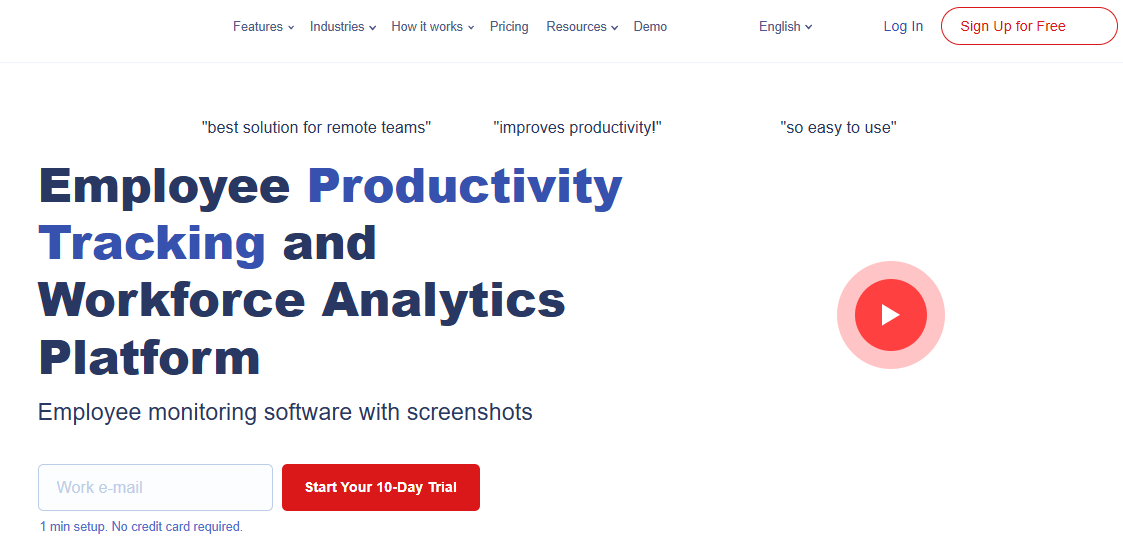
Not every marketing team needs enterprise software with a long onboarding process. Some teams are small and just need to know what their freelancers are up to during paid hours. That is where Monitask fits in.
It focuses on time tracking and light activity monitoring without making anyone’s life complicated. It works well for teams that want accountability without heavy management overhead. And given that over 64 million Americans are now freelancing, nearly 38% of the U.S. workforce, having a lightweight way to manage that relationship has become less of a nice-to-have and more of a basic requirement.
- Depending on your team’s preferences, time tracking records hours per project or job either automatically or manually.
- Screenshot Monitoring periodically captures the contents of a screen. If the frequency doesn’t fit your culture, you have complete control over it.
- Activity Scoring uses keyboard and mouse movement to give each person a daily productivity score.
- Basic Task Management handles assignments and progress tracking so you are not always jumping between apps.
- Integrations cover Trello, Asana, and QuickBooks for most small team setups.
- Monitask assists you in determining whether the time your writers save by using tools like Writecream is manifesting as productive hours or subtly fading into the day.
Pricing: Starts at $6.49/user/month.
3. Insightful: Best for Workforce Analytics
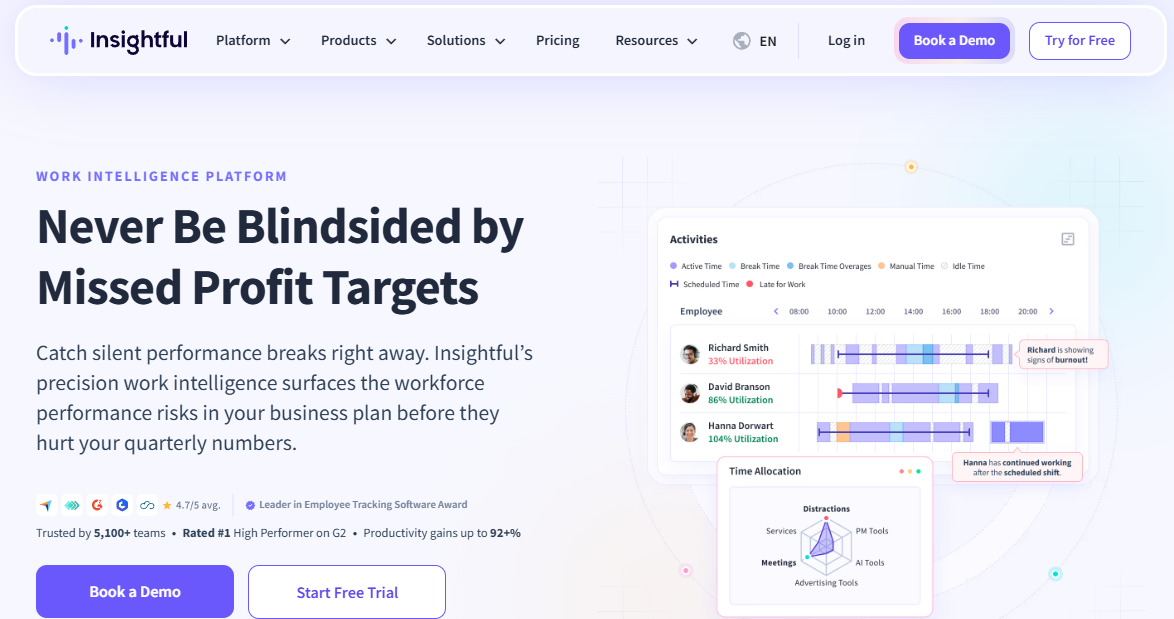
Some managers are happy knowing people are online and busy. Others want to know what is happening with their team’s time and whether it is going toward the right things. Insightful is built for that second type.
It takes raw data and makes sense of it. The tool is characterized by professional dashboards, productivity trends, and project-level breakdowns without wrestling data from a spreadsheet every week.
- It displays who is engaged, idle, or offline via real-time tracking. Useful for organizing individuals in different time zones.
- Productivity Labeling lets you categorize apps and websites yourself. The system then scores everyone’s time automatically based on those rules.
- Start, stop, and finish timings are automatically recorded by Attendance Tracking.
- Project Time Reports detail the precise number of hours spent on each campaign as well as the contributions made by each person.
- Automated Reports land in the right inboxes on whatever schedule you set.
Pricing: Starts at $10/seat/month.
4. Kickidler: Best for On-Premise Deployments
Source
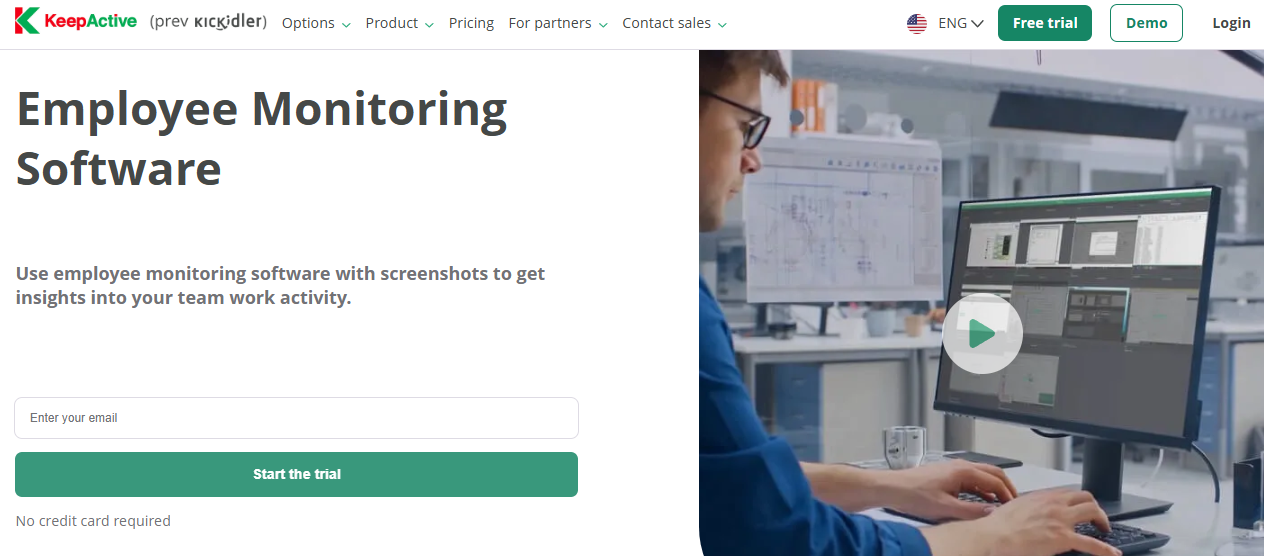
Most monitoring tools live in the cloud. But if you work with clients whose contracts restrict where you store the data or your legal team has concerns about third-party servers, Kickidler (now KeepActive) handles that well. You run everything on your own infrastructure. The data never leaves your building.
- With Video Replay, Kickidler records work sessions and lets you play them back. Instead of piecing together what happened from memory, you watch it if you need to audit how something was handled.
- You can see any team member’s screen in real time with Live Screen View. Good for remote onboarding or supporting someone who is stuck.
- Violation Alerts send automatic flags when specific behaviors happen so you are not manually checking all day.
- Productivity Analytics gives you standard time-on-task and efficiency data.
- Self-Hosted Option keeps everything on your own servers with zero external exposure.
Pricing: Starts at $5 /user/month.
5. DeskTime: Best for Automatic Time Tracking
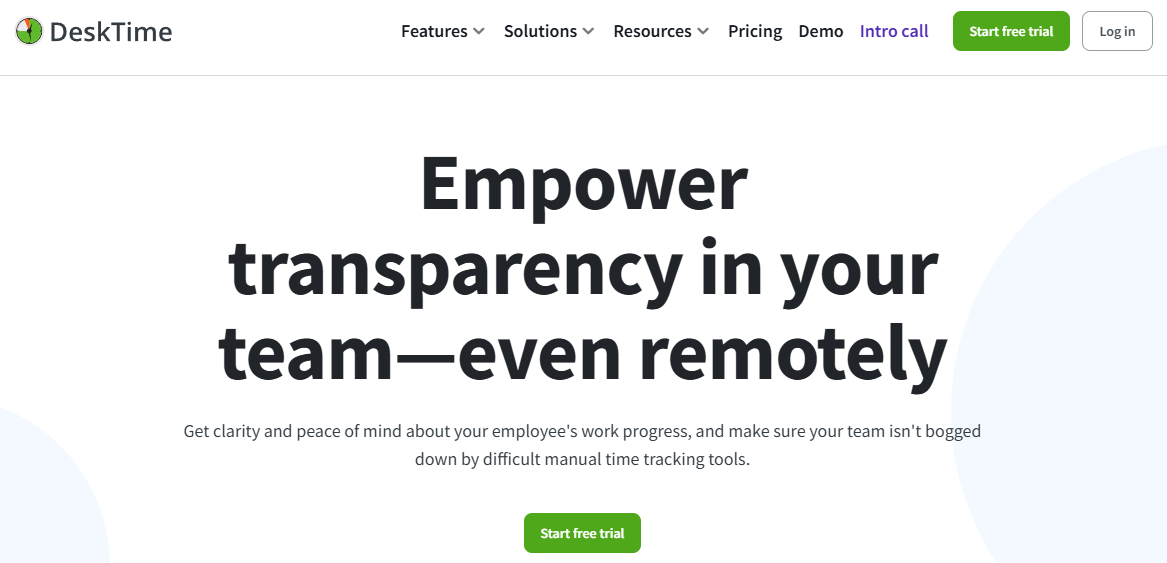
Manual time tracking sounds simple until you try it across teams. People forget. They log time from memory at the end of the week. The numbers are off, and you know it, but cannot prove it.
DeskTime removes that problem. It starts recording the moment a computer turns on and stops when it shuts down. Nothing to remember. Nothing to start manually.
- Automatic Time Tracking means continuous and clean data with no gaps.
- App and URL Tracking mark time as productive or unproductive based on rules you set yourself.
- Project Billing assigns tracked time to clients and projects. Keeps everything honest and audit-ready for agencies billing by the hour.
- Pomodoro Timer helps writers and creatives do their best work in focused blocks with short breaks in between.
- Shift and Absence Management keeps scheduling and time-off in one place.
Pricing: Starts at ₹366.67 per user /month.
6. Asana: Best for Campaign Planning and Task Management
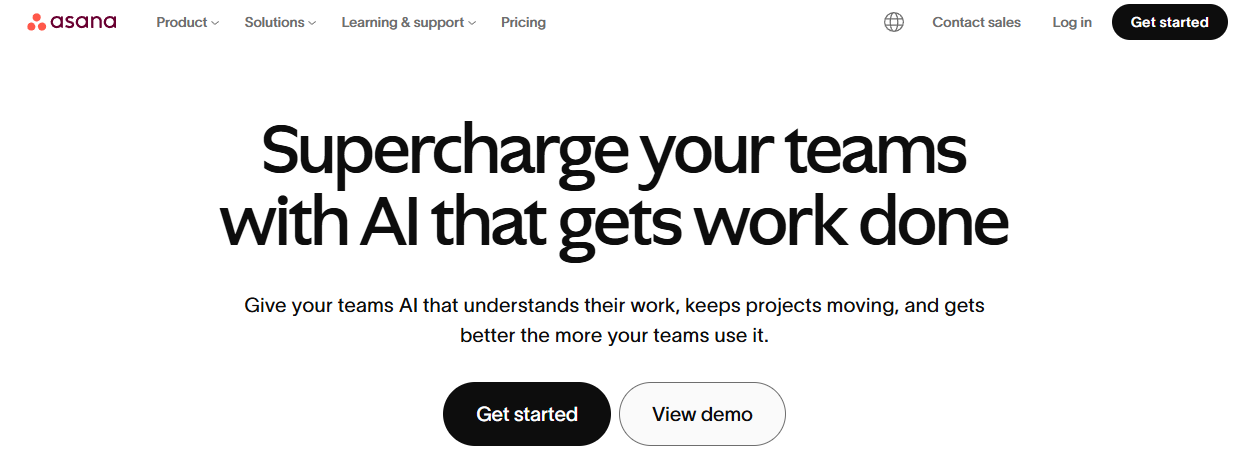
Every hybrid marketing team eventually has the same conversation. Who was supposed to handle that? When did the deadline change? Why did two people do the same task?
Asana makes those conversations happen far less often. Everything resides in one location. Each task has a status, an owner, and a deadline. Everyone sees the same board, whether they are in the office or not.
And as your team’s digital workflows grow more complex with campaign microsites, landing pages, and interactive assets, keeping up with emerging website technologies can help your team set scope and plan that work more accurately inside Asana from the start.
- Each person can work in a manner that best suits their way of thinking, thanks to the list, board, timeline, and calendar displays.
- Subtasks and dependencies break complex campaigns down so nothing falls between two people’s responsibilities.
- The portfolio view monitors several campaigns simultaneously without delving into each one separately.
Pricing: Starts at $10.99/user/month, billed annually.
7. Slack: Best for Day-to-Day Team Communication
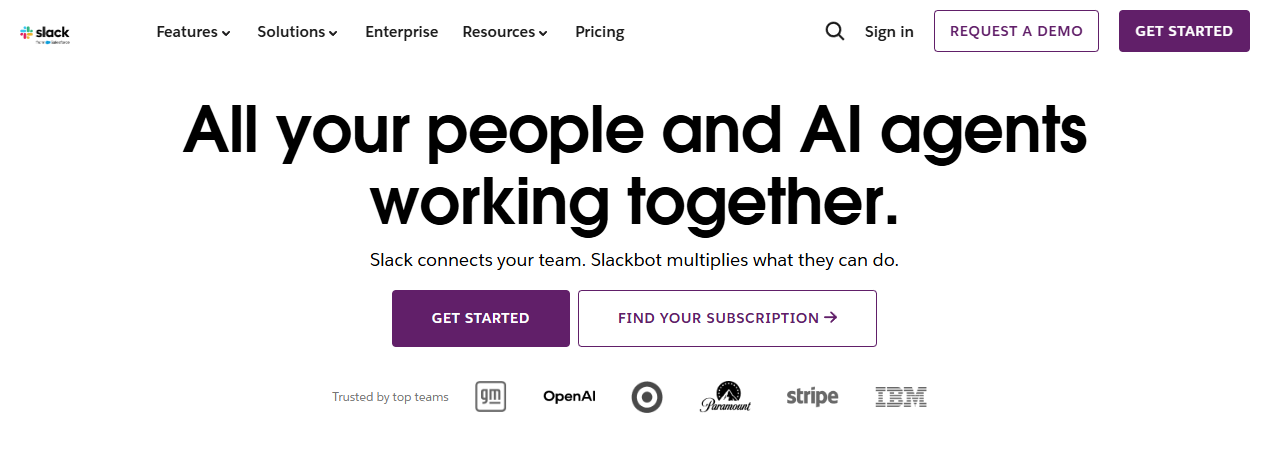
The communication problem in hybrid teams is not that people stop talking. It is that those conversations happen in the office kitchen and never reach the people who were not there.
Slack puts everything in writing in one place that everyone can access, regardless of location.
- Channels keep topics, projects, and teams organized so discussions stay structured and easy to follow.
- Threads let discussions go deep without flooding everyone else’s view.
- Huddles make quick voice calls possible without scheduling a formal meeting.
- Draft Sharing is where content-heavy teams share work and get feedback quickly. Teams using Writecream’s blog generator can go from brief to first draft in under 30 minutes, and instead of that draft bouncing back and forth over email for days, someone drops it in a channel and gets a response within the hour.
Pricing: Starts at $7.25/user/month.
8. ActivTrak: Best for Goal-Based Productivity Insights
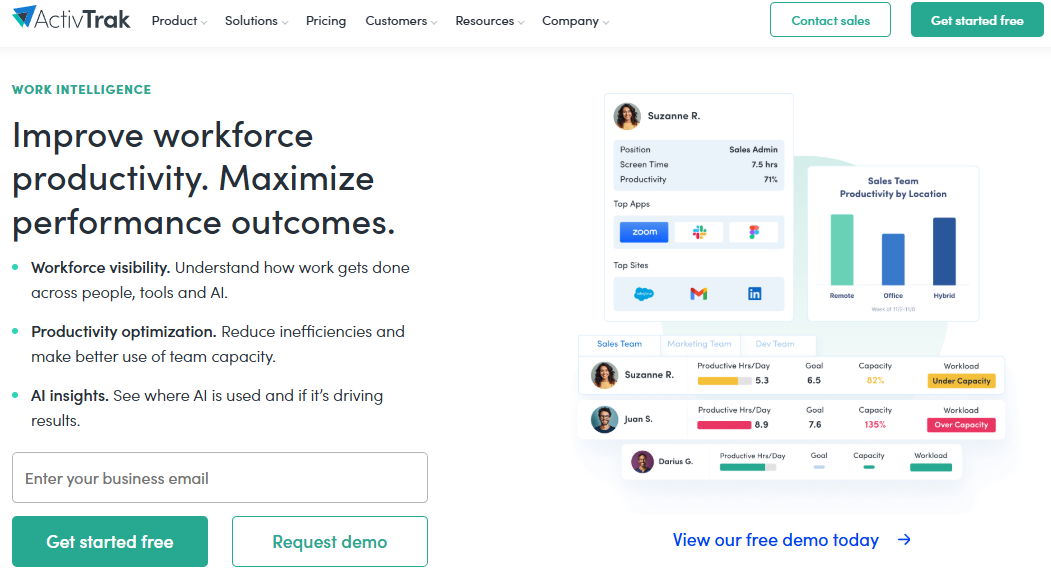
There is a version of productivity monitoring that just counts hours and mouse clicks. ActivTrak connects all of that activity back to whether your team is hitting the goals that matter. It is a more grown-up way to look at the data.
- Productivity Benchmarks let you set clear performance expectations and measure progress over time.
- Workload Insights show who is overloaded with work and who has capacity before it becomes a burnout situation.
- Focus Time Tracking reveals how much of the day is spent on deep work as opposed to continual context-switching.
- Instead of relying solely on yourself to analyze a dashboard, AI Coaching Suggestions
converts data into straightforward recommendations.
Pricing: Starts at $10/user/month.
9. CallHippo: Best for Business Phone Calling & Call Management
Hybrid marketing teams don’t just chat — they get on calls with prospects, clients, and vendors across time zones, and juggling personal numbers or clunky legacy phone systems slows everyone down. CallHippo gives hybrid teams a cloud-based business phone system with numbers in 150+ countries, call recording, IVR, and team call analytics, so managers get the same oversight into calls that tools like Slack give them into chat.
Pricing: Starts at $19/user/month.
10. Clariti
Business communication becomes chaotic when conversations are scattered across email, chat, meetings, files, and task management tools. Teams waste time searching for information, forwarding emails, and piecing together decisions from multiple apps.
Clariti solves this by organizing communication around topics instead of tools. Every email, chat, file, meeting, task, and calendar event related to a project or customer stays together in a single Hybrid Conversation, giving everyone the full context without switching between applications.
Hybrid Conversations connect communication, files, meetings, and tasks into one contextual timeline, making collaboration easier and reducing information silos.
Contextual Email Collaboration lets teams embed customer emails directly into conversations, eliminating long forwarding chains while preserving the complete discussion history.
AI-Powered Conversation Management automatically sorts new emails and messages into the appropriate conversation, helping teams maintain communication continuity.
Context-Linked Tasks and Calendar allow users to create action items and schedule meetings directly from conversations, ensuring work never loses its context.
Unified Search makes it easy to find previous discussions, files, decisions, and activities by topic, giving teams instant access to organizational knowledge.
Pricing: Free plan available. Paid plans are available for businesses with additional collaboration and productivity requirement
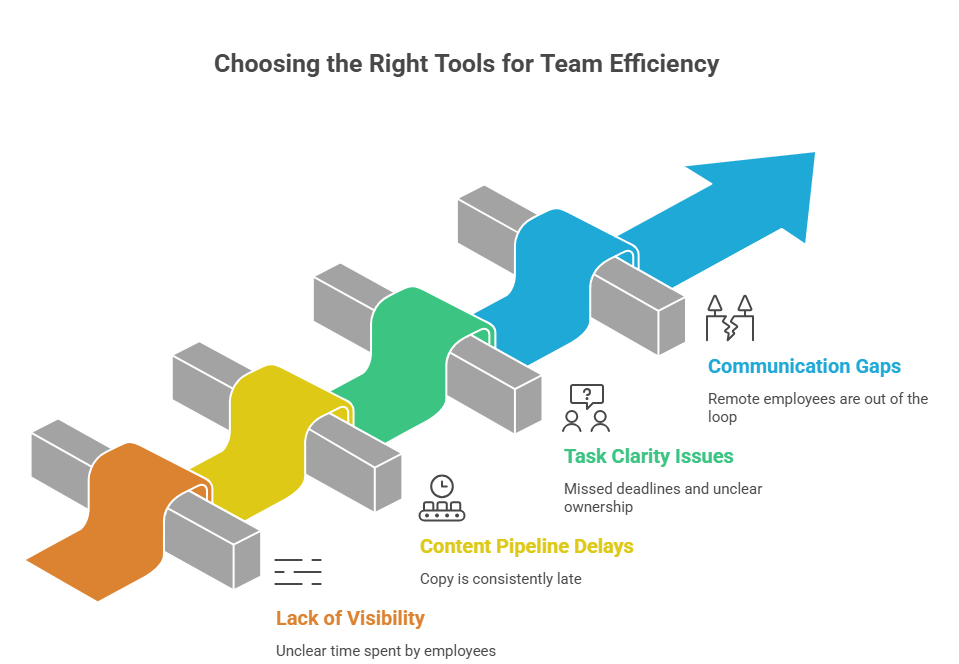
Which Tool Should You Start With?
Self Generated
You do not need all eight. Most teams find their footing with three or four that match how they work.
- Start with visibility. If there is no clear view of how time is spent by both in-person and remote employees, fix that first. CurrentWare or Insightful will handle it.
- Then look at the content pipeline. If campaigns are delayed because copy is always late, teams that have brought in Writecream for outreach emails, ad copy, and blog drafts tend to see faster turnaround simply because writers are not starting from a blank page every time.
- After that, consider task clarity. Asana fixes missed deadlines and unclear ownership faster than any new process will.
- Finally, communication gaps. If remote people are frequently out of the loop, Slack closes that quickly.
Solve the biggest problem first. Everything else follows.
The Right Stack Changes Everything
Hybrid work is not a temporary experiment. It is how marketing teams operate now, and managers who sort out their tools early will gain a real advantage over those still relying on
email chains and weekly standups. Many hybrid teams are also exploring AI integration services to connect productivity tools, communication platforms, and AI content systems into a more unified workflow.
CurrentWare handles visibility. Asana brings structure. Slack keeps everyone connected. And for teams where content volume is a constant pressure, having Writecream in the mix means writers spend their energy on work that needs a human. Teams that need tailored workflows can also use an AI app builder to create custom internal tools that support collaboration and automate repetitive processes.
Find the gaps costing your team the most right now. Pick the tools that close them. And if content production is one of those gaps, it is worth spending ten minutes on writecream.com to see what your team could be producing faster. That is really all there is to it.